![accrisoft_logo_med.png]](https://help.accrisoft.com/hs-fs/hubfs/accrisoft_logo_med.png?height=50&name=accrisoft_logo_med.png)
The Link Wizard is a built-in Freedom tool that generates URLs for pages, files, emails, and external sites without requiring you to copy or manually type any links.
Finding the Link Wizard
- Log in to your Freedom backend.
- Look for the paper clip icon in the top-right of the interface.
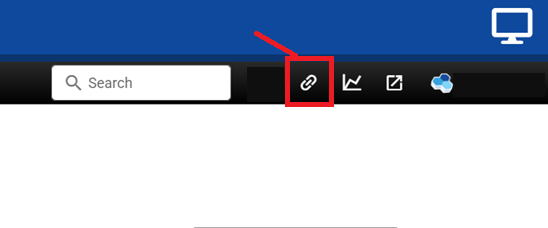
- Click the icon to expand the Link Wizard panel.
Selecting a Link Type
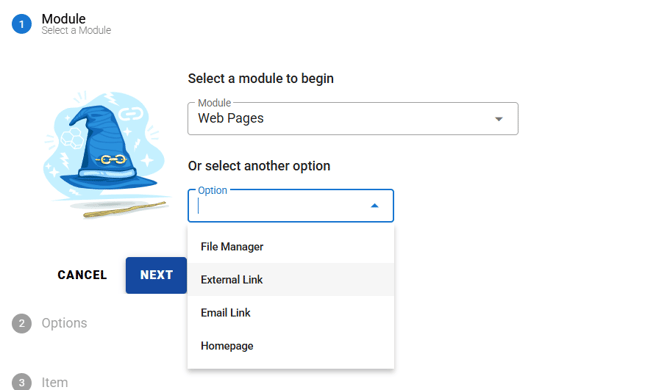
Once open, the Link Wizard allows you to generate a URL for several different sources:
- Module pages (e.g., Web Pages, News, Events) — browse and select any page within that module
- External link — paste in a URL from an outside website
- File Manager item — link directly to an uploaded file such as a PDF
- Email link — generate a
mailto:link - Homepage — quickly generate a link back to your site's home
Selecting a Page from a Module
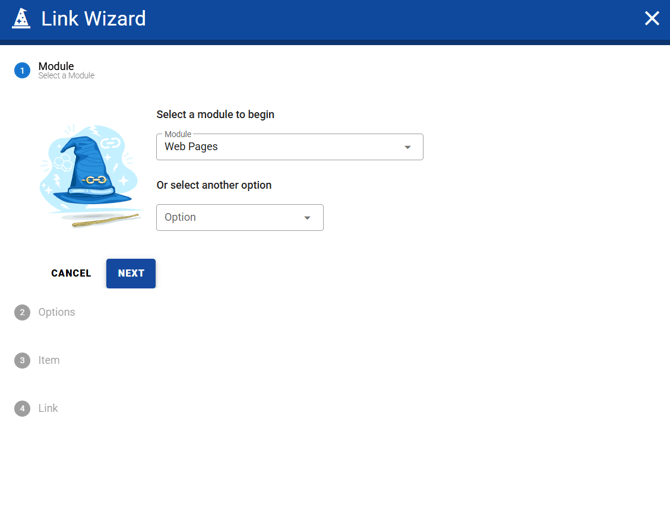
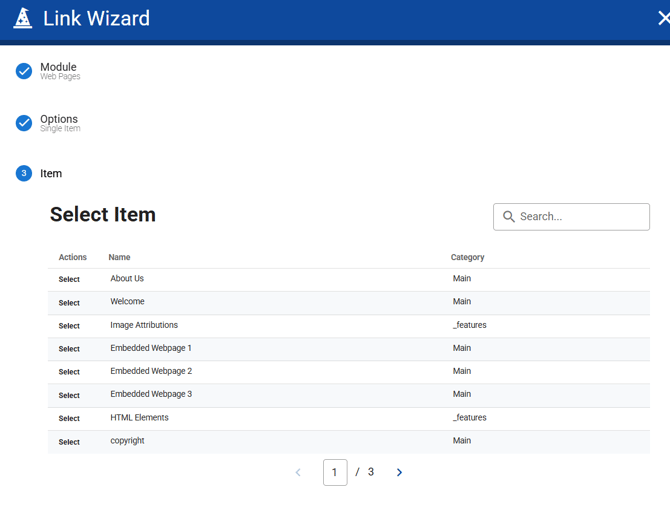
- Choose a module from the Link Wizard (e.g., Web Pages).
- Browse the list of available items.
- Click the Select button on the left side of the row for the page you want to link to.
Understanding the Generated URLs
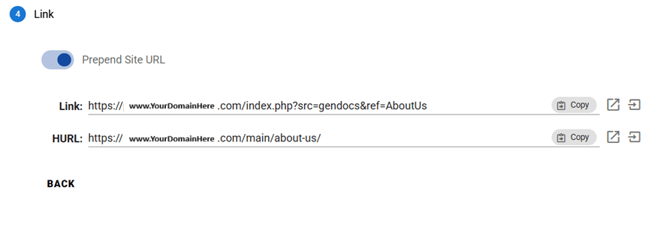
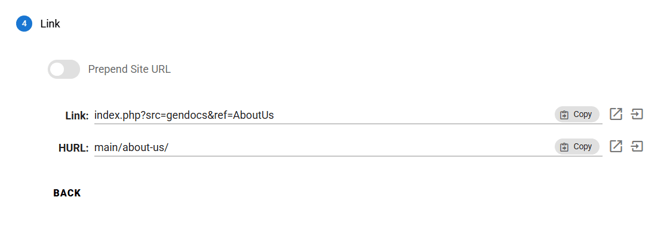
After selecting a page, the Link Wizard will display two types of URLs:
- Internal URL — A longer, system-generated URL. While less visually clean, this link is required when linking to pages that use sidebar menus, as those pages depend on the internal URL format to function correctly.
- HURL (Human Readable URL) — A shorter, easy-to-read URL. This is the preferred link for one-off uses such as links sent in emails, added to buttons, or used to redirect visitors to another page on your site. HURLs are clean and recognizable in the browser's address bar.
Prepend Site URL
Click the Prepend Site URL button to preview what either URL will look like with your website's domain added to the front. This is useful for confirming the full link before copying it for use outside of Freedom.